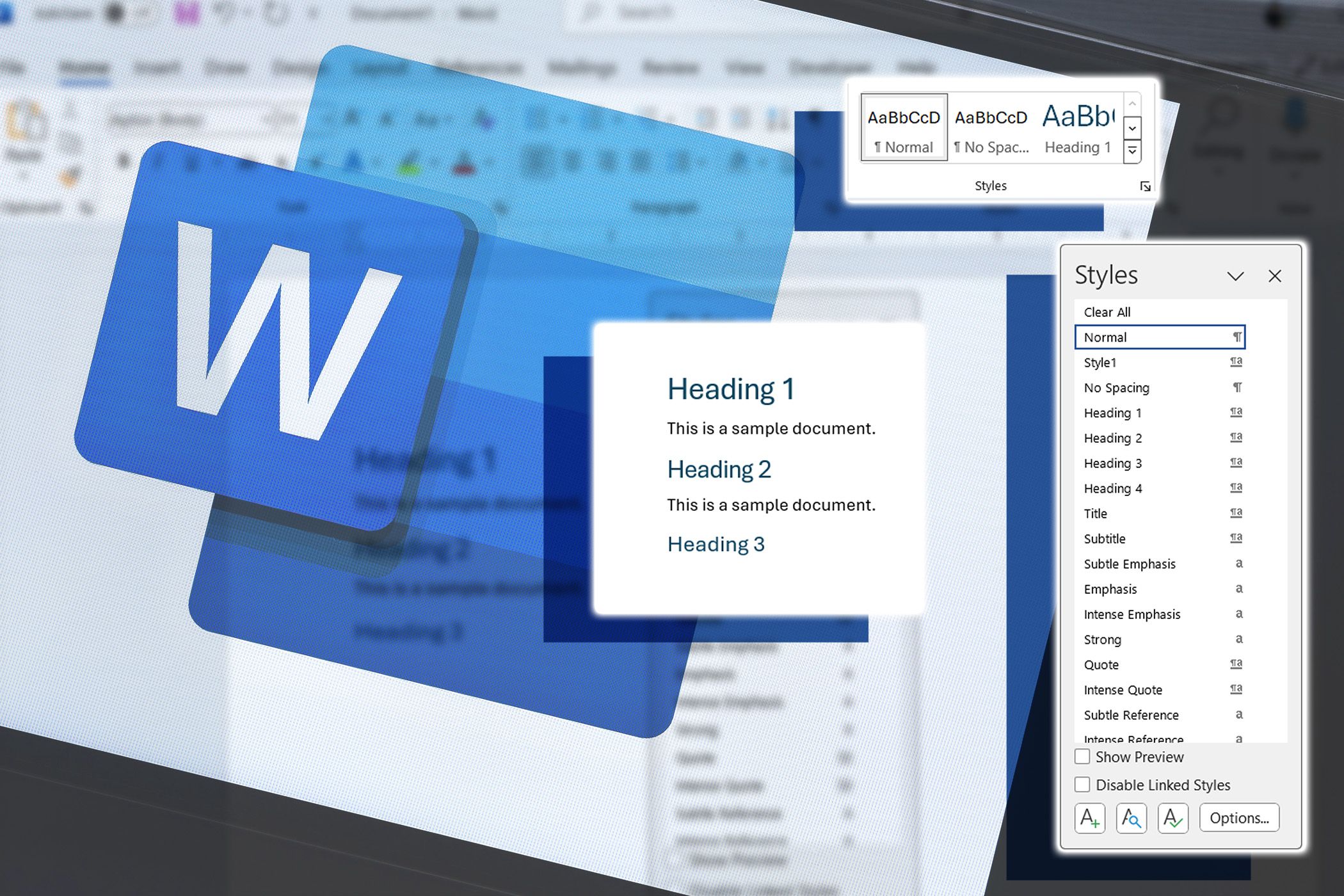
Microsoft Word is one of the most widely used word processing programs in the world. It allows users to create, edit, format, and print documents such as letters, reports, assignments, and business documents. At KCT ICT Hub Technologies, our Microsoft Word Basics class helps beginners learn how to use this powerful tool efficiently.
This training is part of the KCT Cyber Classes, designed to build practical computer skills for students, professionals, and entrepreneurs.
What is Microsoft Word?
Microsoft Word is a word processing application used to create professional documents. It provides tools for typing, formatting text, inserting images, and organizing information in a clear and attractive way.
What You Will Learn
During the Microsoft Word Basics class, students will learn:
Starting and closing Microsoft Word
Understanding the Word interface (Ribbon, Tabs, and Toolbars)
Typing and editing text
Saving and opening documents
Formatting text (font size, color, bold, italics, underline)
Paragraph formatting and alignment
Inserting pictures and shapes
Creating simple tables
Printing documents